
Record Defects, Site Diary Entries and Photos Directly on Site
Built for Everyday Work on Site
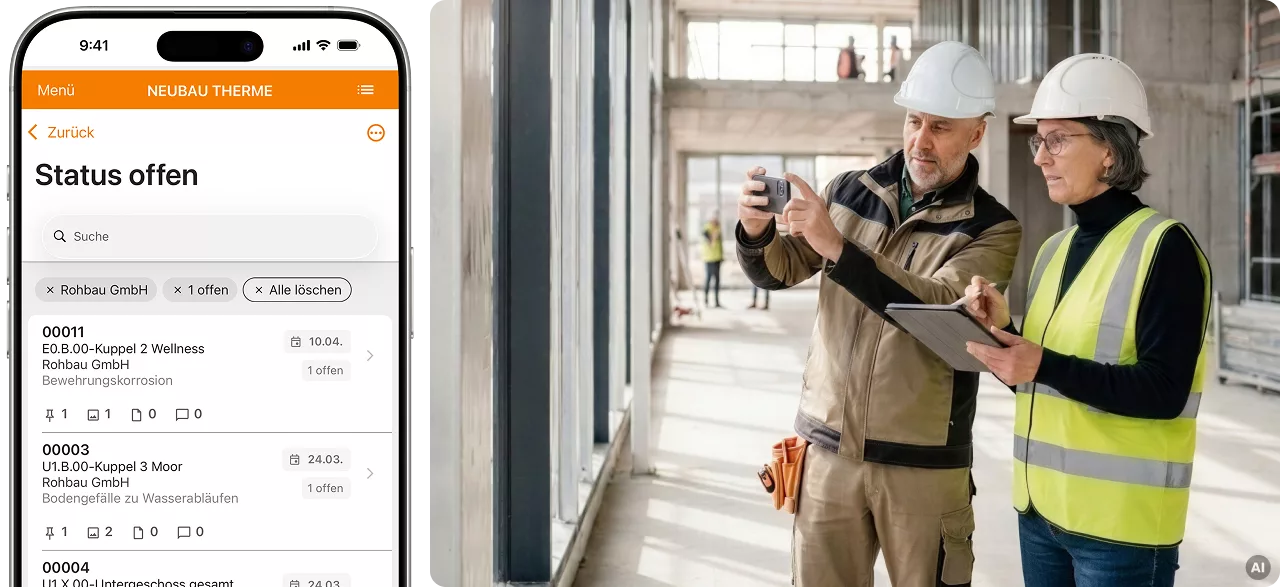
The Poolar mobile app lets you document defects, site diary entries and photos on site. Drawings, documents and project contacts are available on the go. You can keep working even without a stable internet connection.
Once synchronised, the recorded information is available in Poolar.Project, the central project workspace, for further editing and documentation.
AI assistance
iOS
Android
Smartphone & tablet
ISO 27001
Offline capability
Developed for Practical Workflows on Site
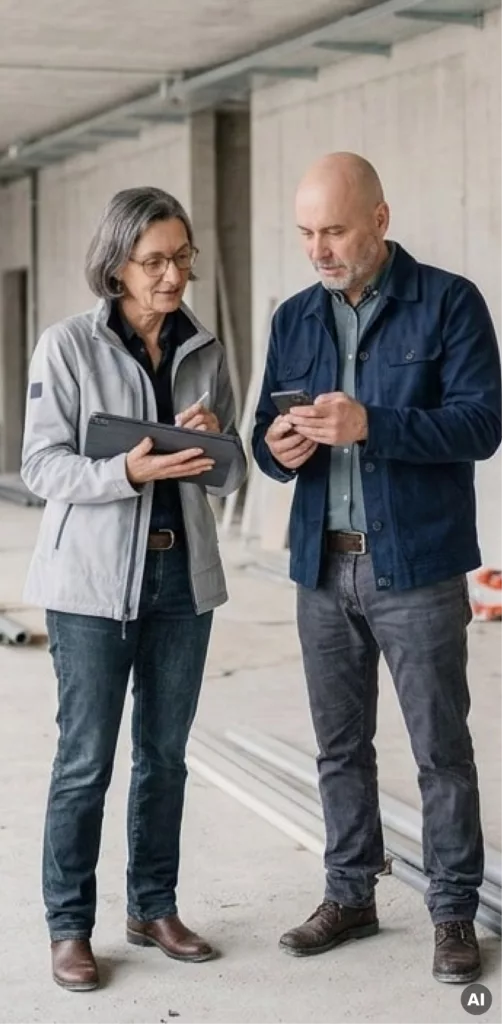
Information is gathered during inspections, inside buildings, across the site or directly at a building element. Recording it there should be straightforward.
The Poolar app supports this mobile part of project work.
There is no need to transfer information later from notes, photo galleries or other applications such as email. This simplifies documentation and enables everyone involved in the project to continue working with the information in the central project workspace.
Capture
Record information where it originates.
Document defects, take photos and create site diary entries, with optional AI assistance to help write descriptions.
Organise
Quickly find entries, photos, files and project participants.
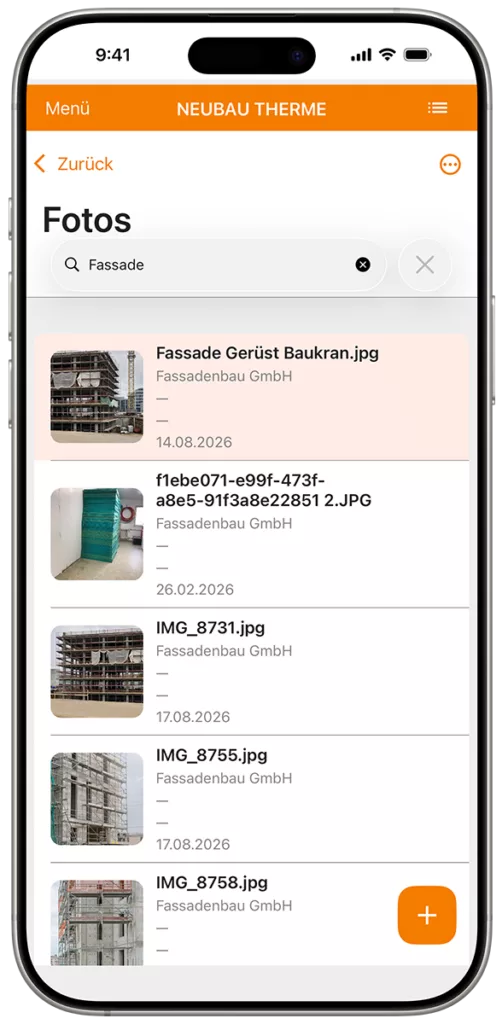
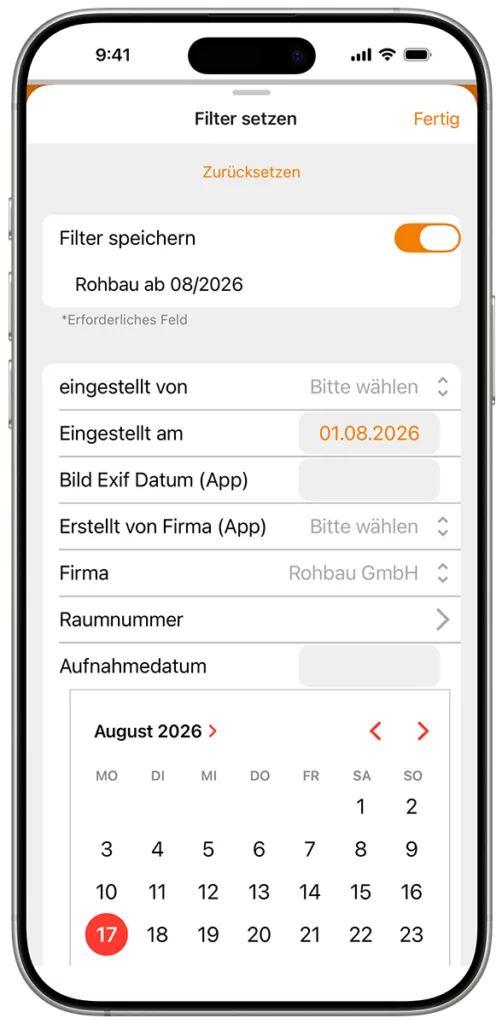
Search and filter, assign relevant project information, open files and access contact details in the project directory.
Synchronise
Keep working even without a stable internet connection.
Record and edit content offline. Once a connection is available again, you can synchronise the data.
Continue Working
Review, add to and follow up on information within the project.
Content recorded on site is available in Poolar.Project, where it can be edited further on a desktop computer.
Record Defects Directly on Site
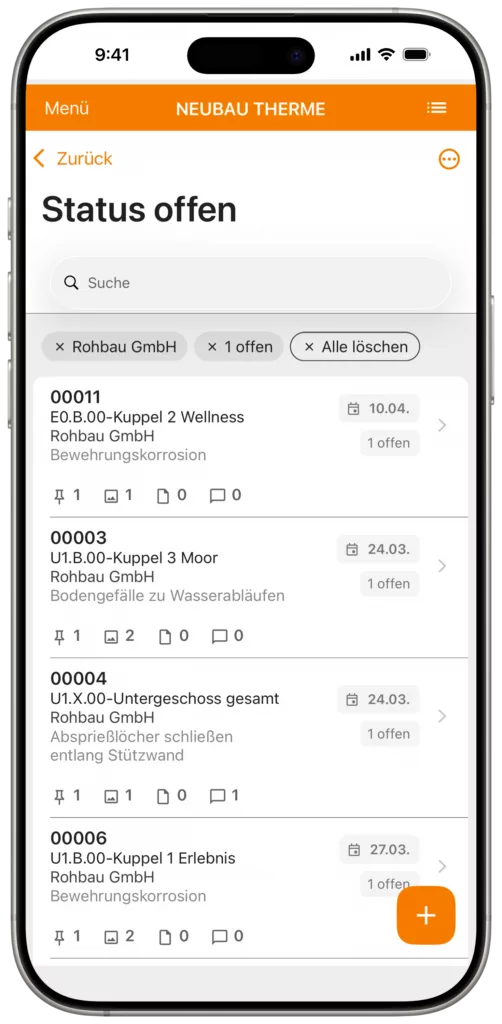
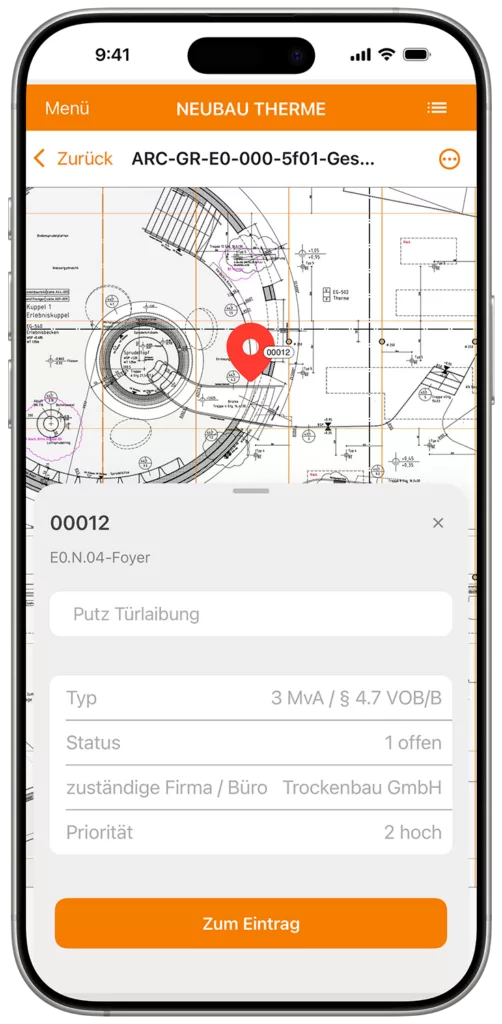
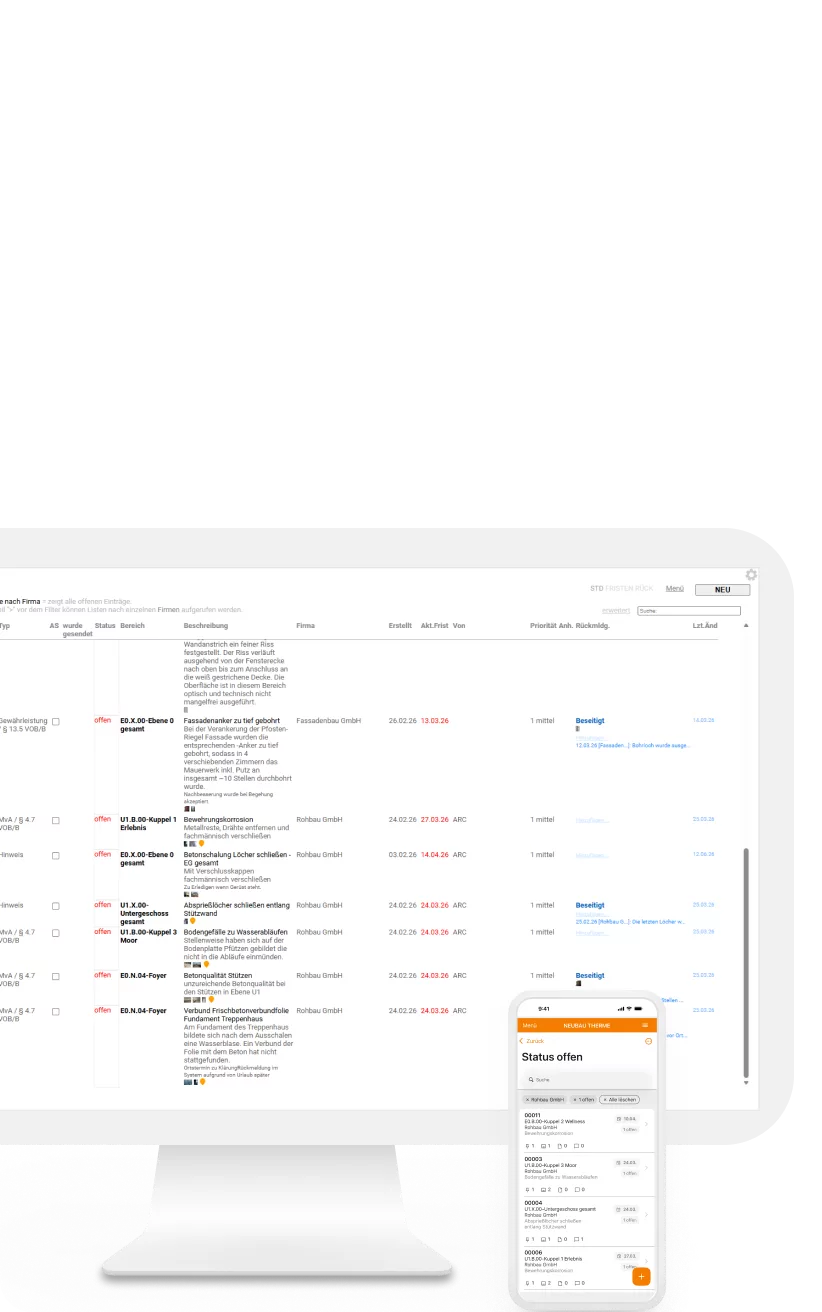
The app lets you create defect records, document and locate defects, and assign them for resolution.
Descriptions, photos, responsibilities and deadlines are recorded against each defect. Existing defect records can be viewed and edited on site.
Document Construction Progress with Photos
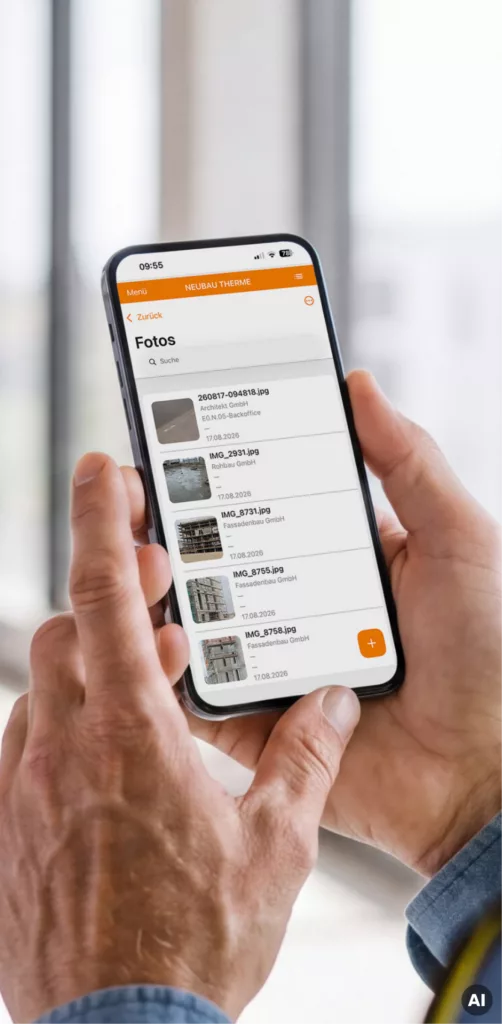
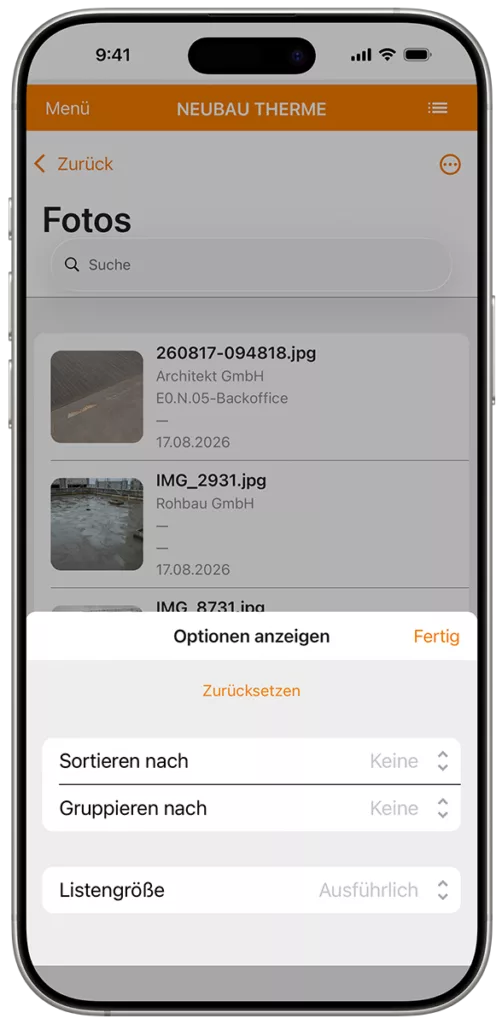
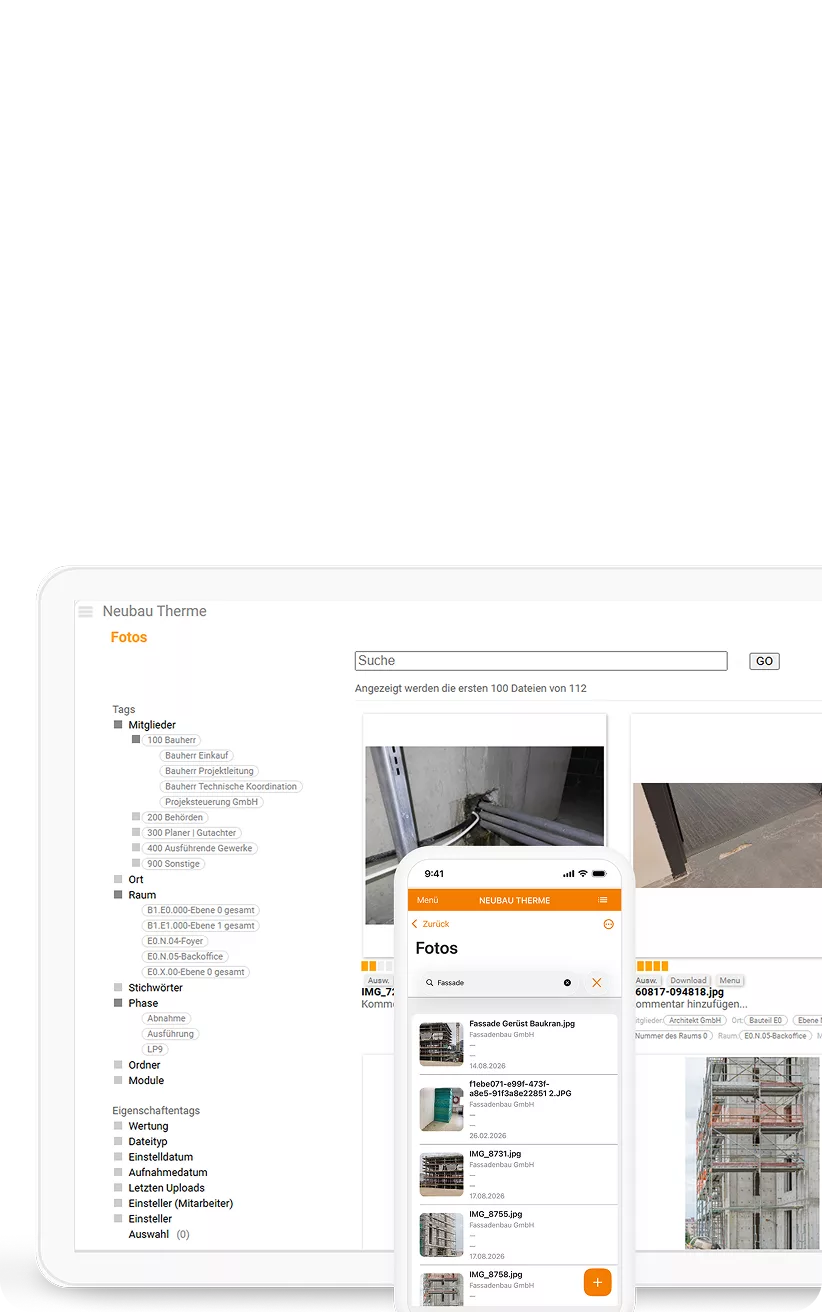
Take, manage and document project photos in the app. After synchronisation, the photos can also be made available in the web-based Photos module in Poolar.Project. This makes mobile photo documentation on site a direct part of the central project documentation.
A Site Diary for Daily Documentation
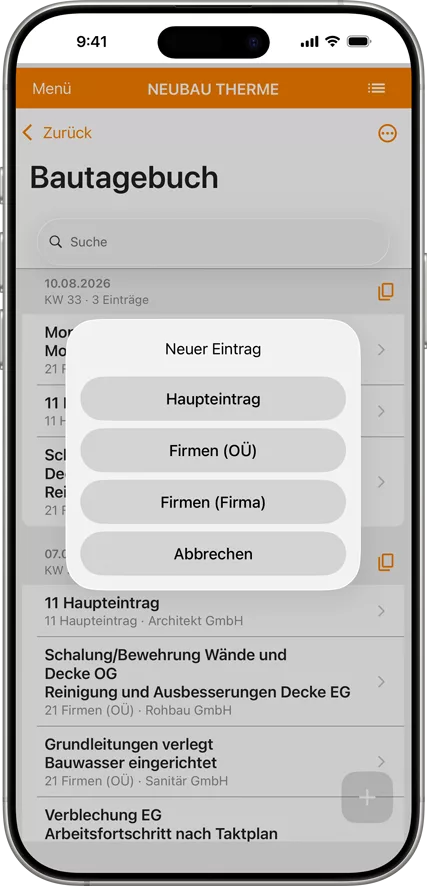
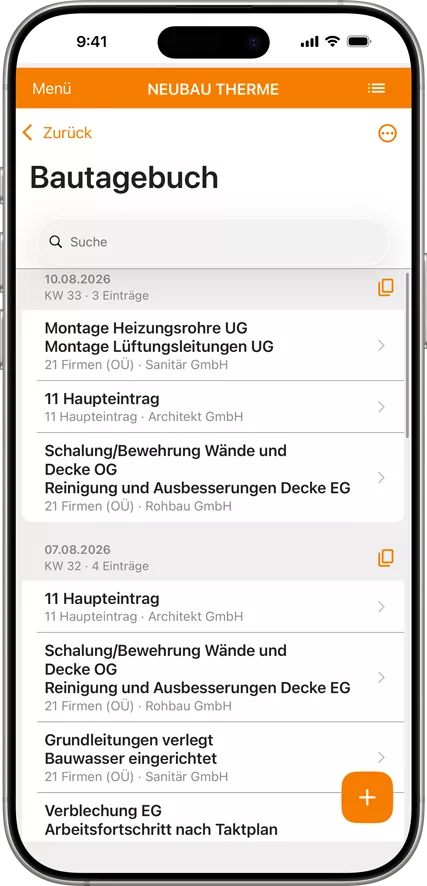
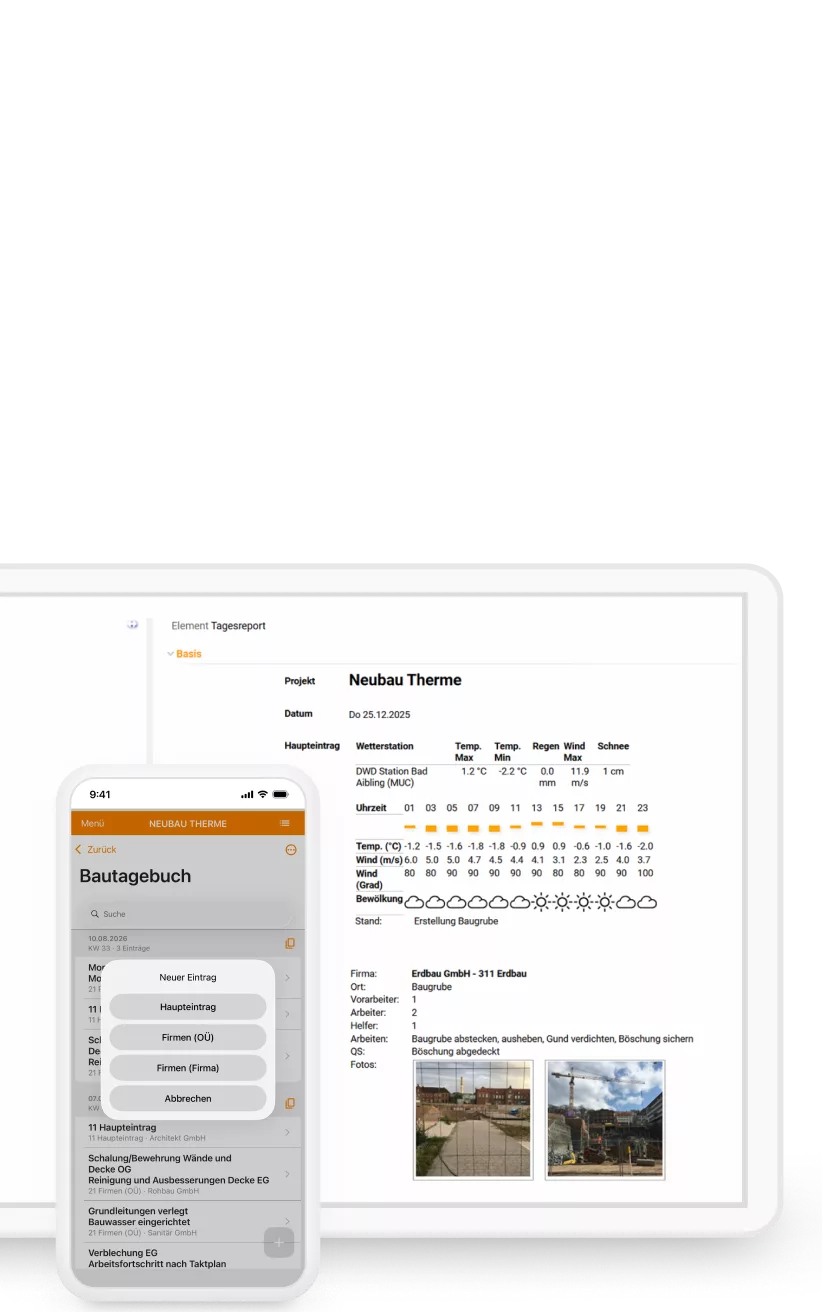
Create, edit, search and filter site diary entries on the go. A guided workflow lets you document an entire day, including weather conditions, temperature and different entry types, with optional AI assistance. Recurring content can be copied from previous days.
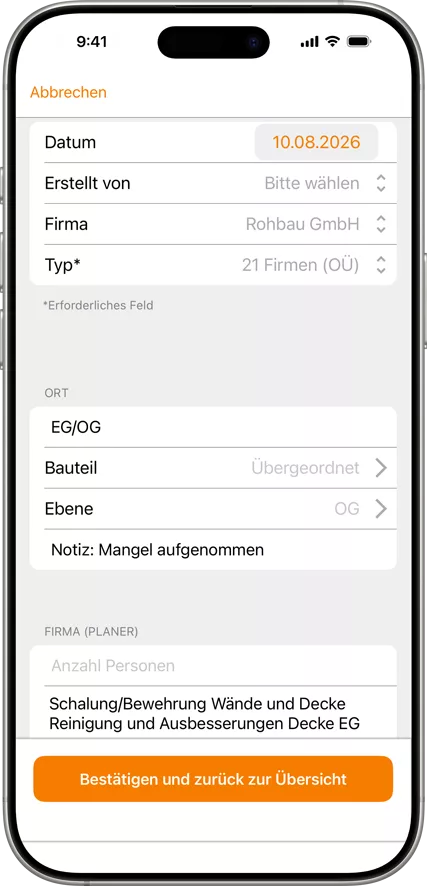
Integrated Tools for Working on Site
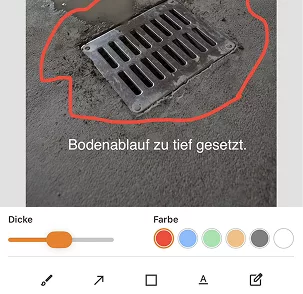
Draw on Photos
Add annotations, markings and highlighted areas directly to photos to document details visually.
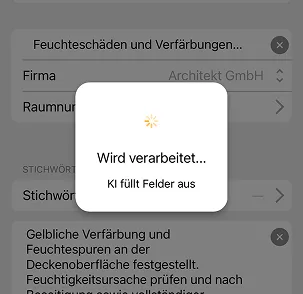
AI Assistance
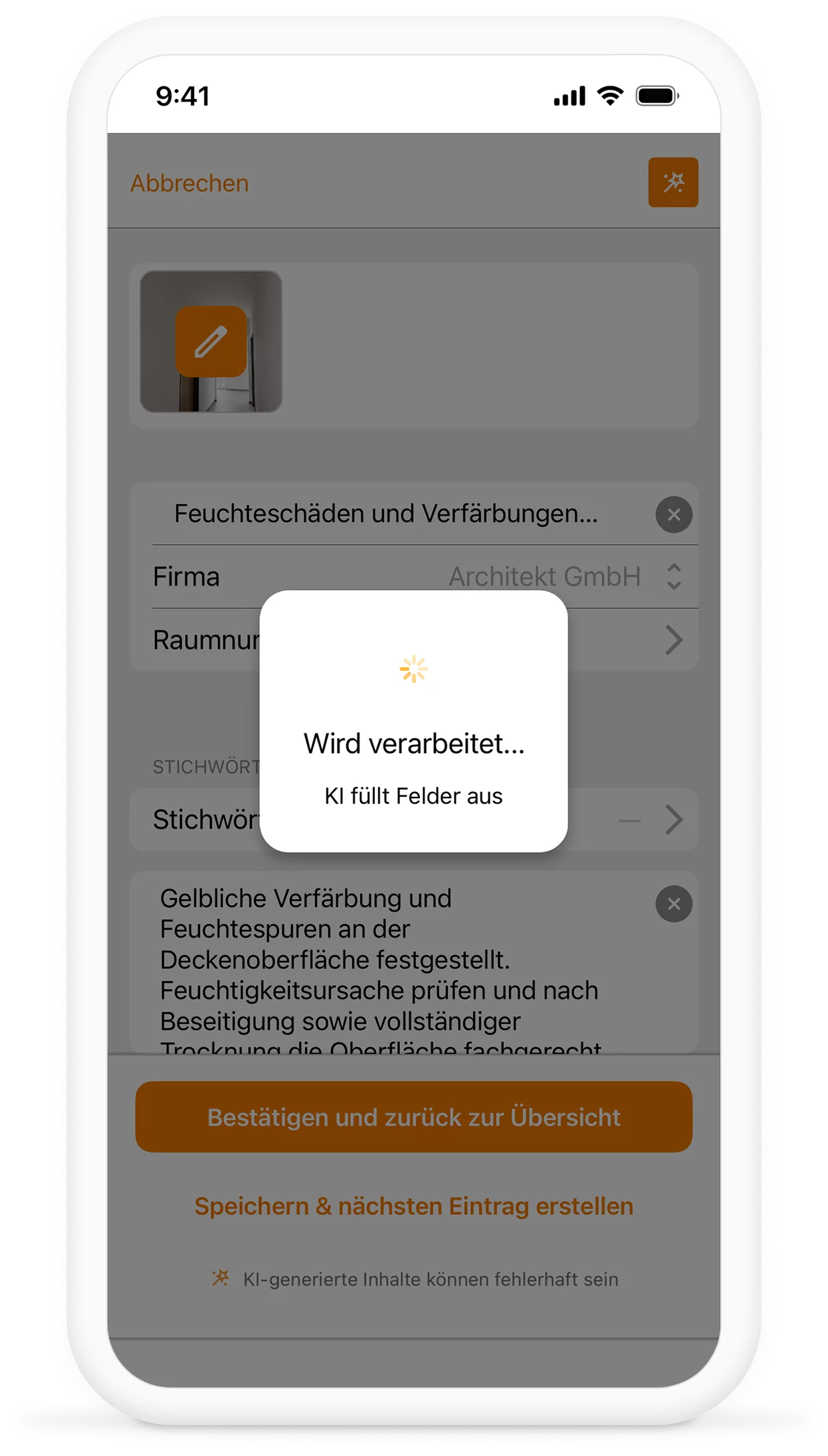
Capture information by voice and turn it into text for the relevant fields. For defects, the AI can also interpret images and voice input to suggest suitable content.
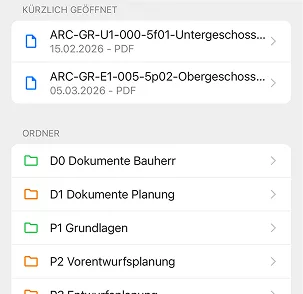
Files
Access drawings and documents on the go, save them locally, view existing drawing annotations and mark the location of defects directly on a drawing.
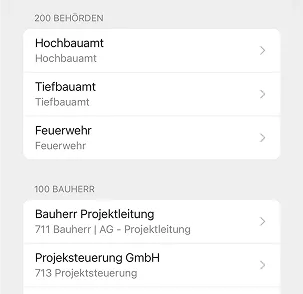
Project Participants
Quickly find project participants and access their contact details on the go.
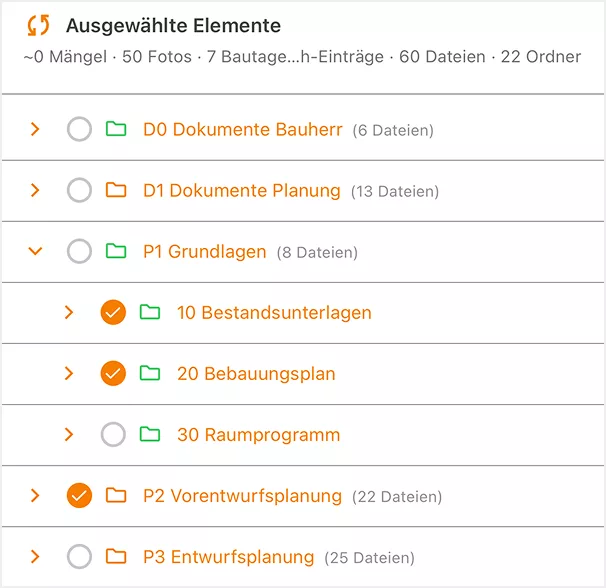
Synchronisation
Record and edit entries even without an internet connection. Once a connection is available again, you can synchronise the data with Poolar.Project.
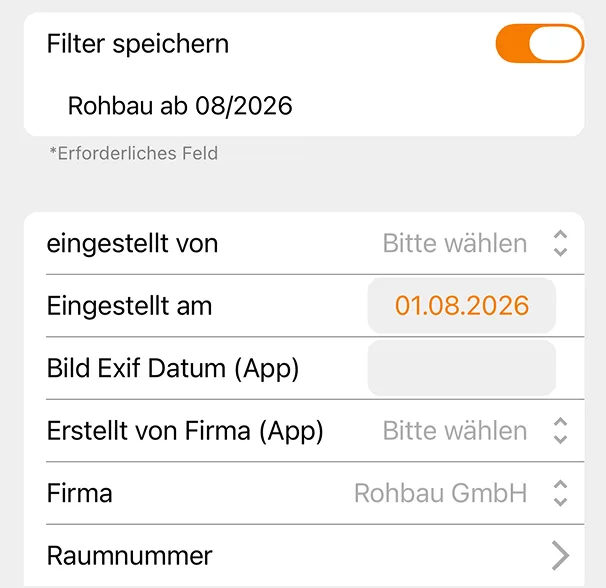
Create Custom Filters
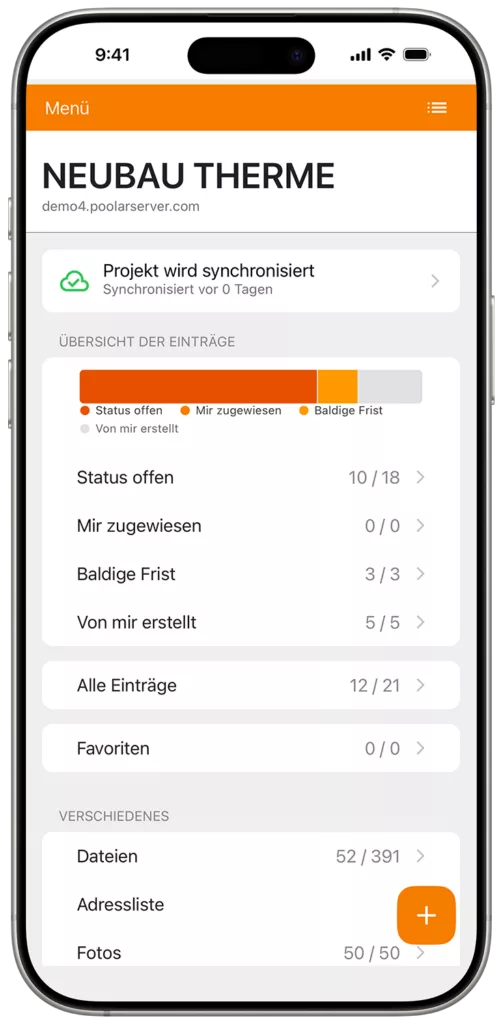
Create and save your own combinations of frequently used filters. Find relevant records, photos or entries again in just a few steps.
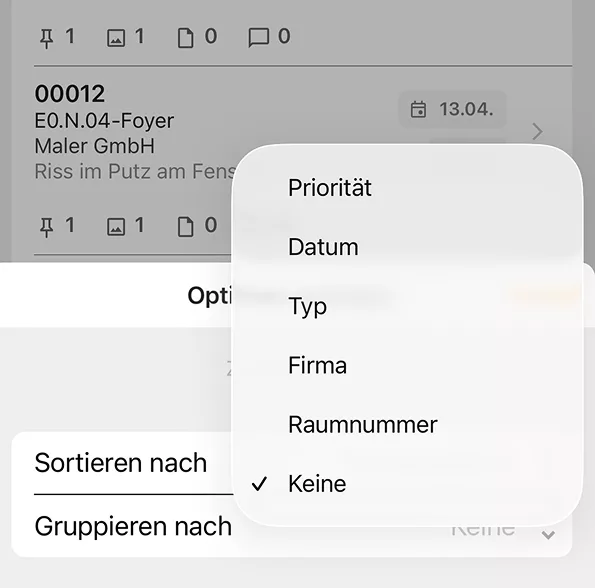
Customisable Views
Sort, group and adjust list sizes to suit your needs. Tailor the content and its display to the task at hand.
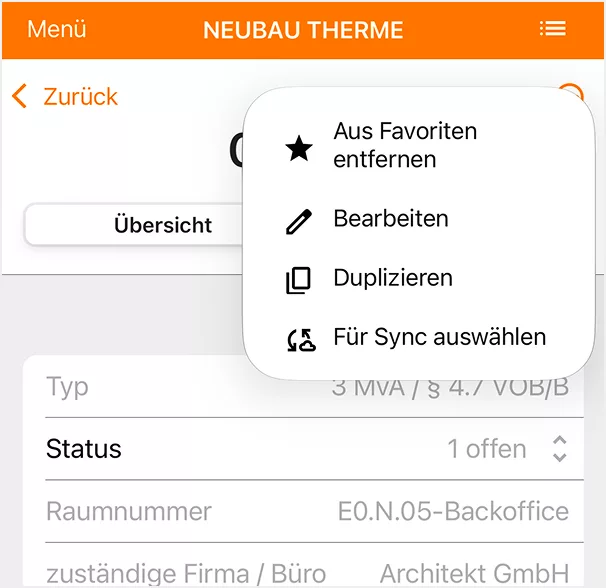
Favourites
Mark frequently used content, such as defect records, as favourites and access it quickly from the dashboard.
The App Brings Poolar.Project’s Construction Site Tools to Smartphones and Tablets
The focus is on three core tasks in mobile site documentation: recording defects, keeping a site diary, and taking and organising project photos.
Additional tools support work on site, including access to drawings and project contacts.
Once synchronised, the recorded information can be edited directly in the web-based version of Poolar.Project and documented centrally.
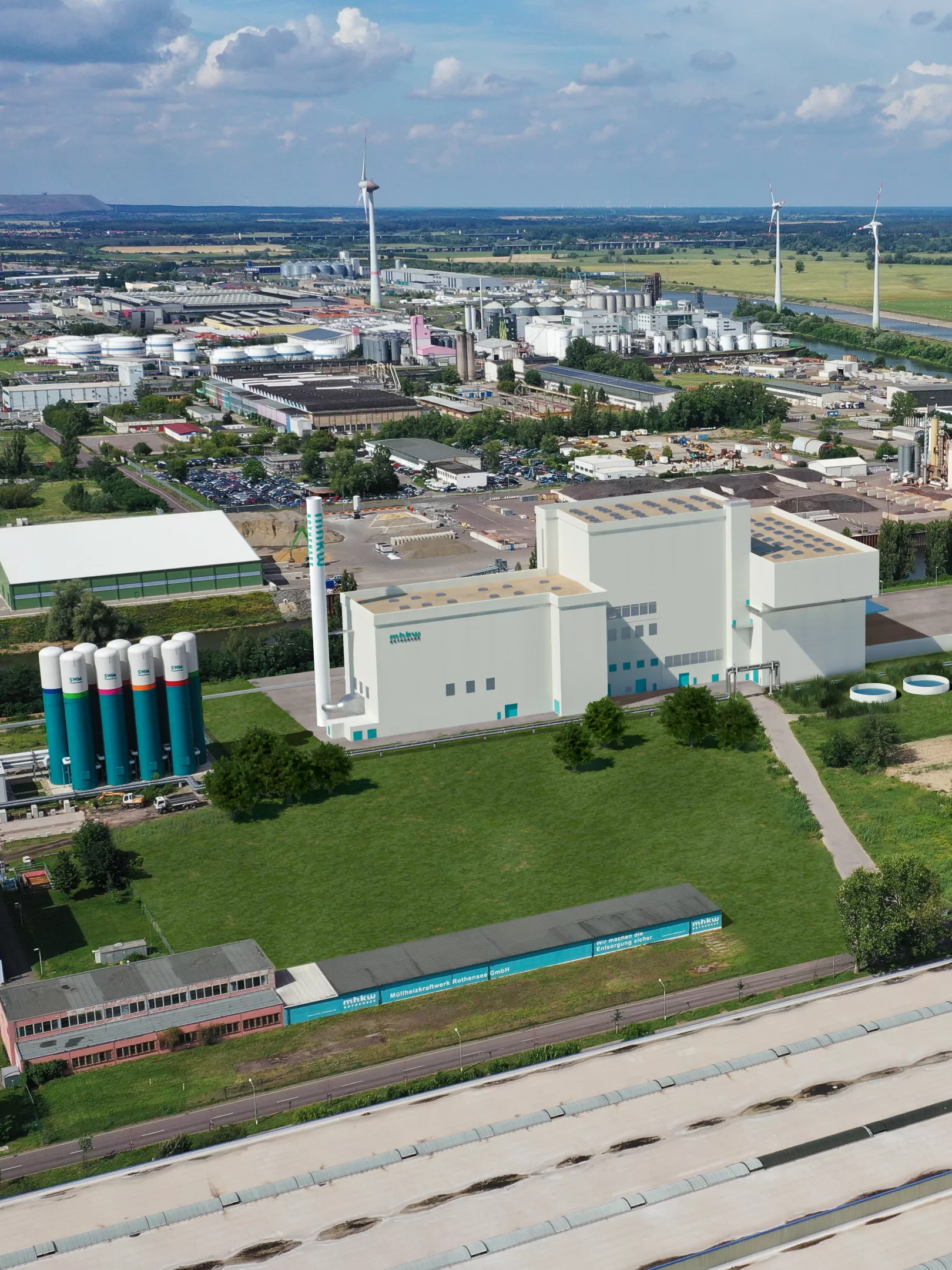
“The digital site diary has replaced our outdated, inefficient and error-prone paper records.”
Jens Esslinger
Project Manager EEW Energy from Waste GmbH
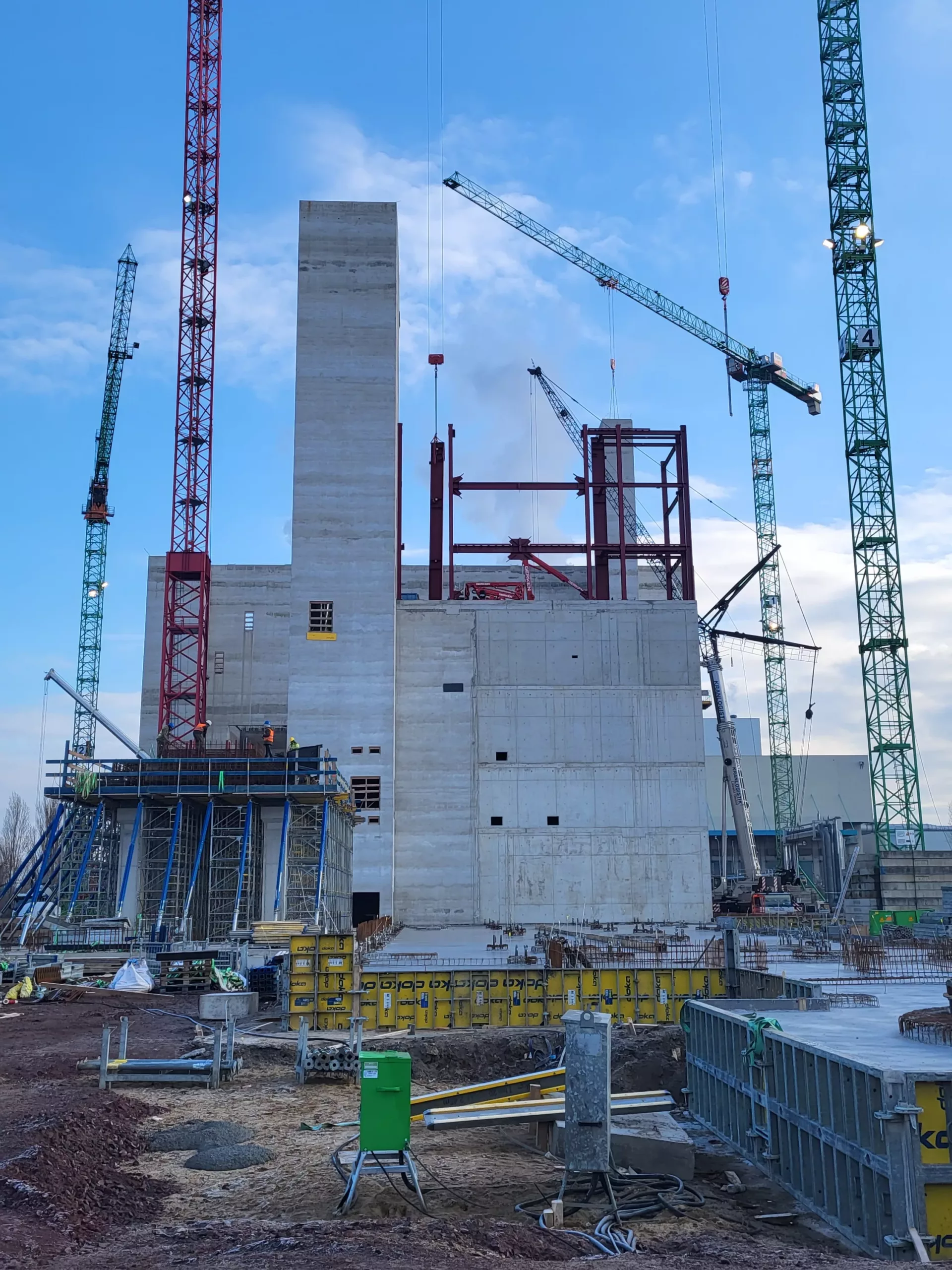
“We used to have Excel spreadsheets that took a lot of effort to maintain. With defect management, we now have a structured workflow and can involve project participants directly through email and access to the system.”
Jens Esslinger
Project Manager, EEW Energy from Waste GmbH
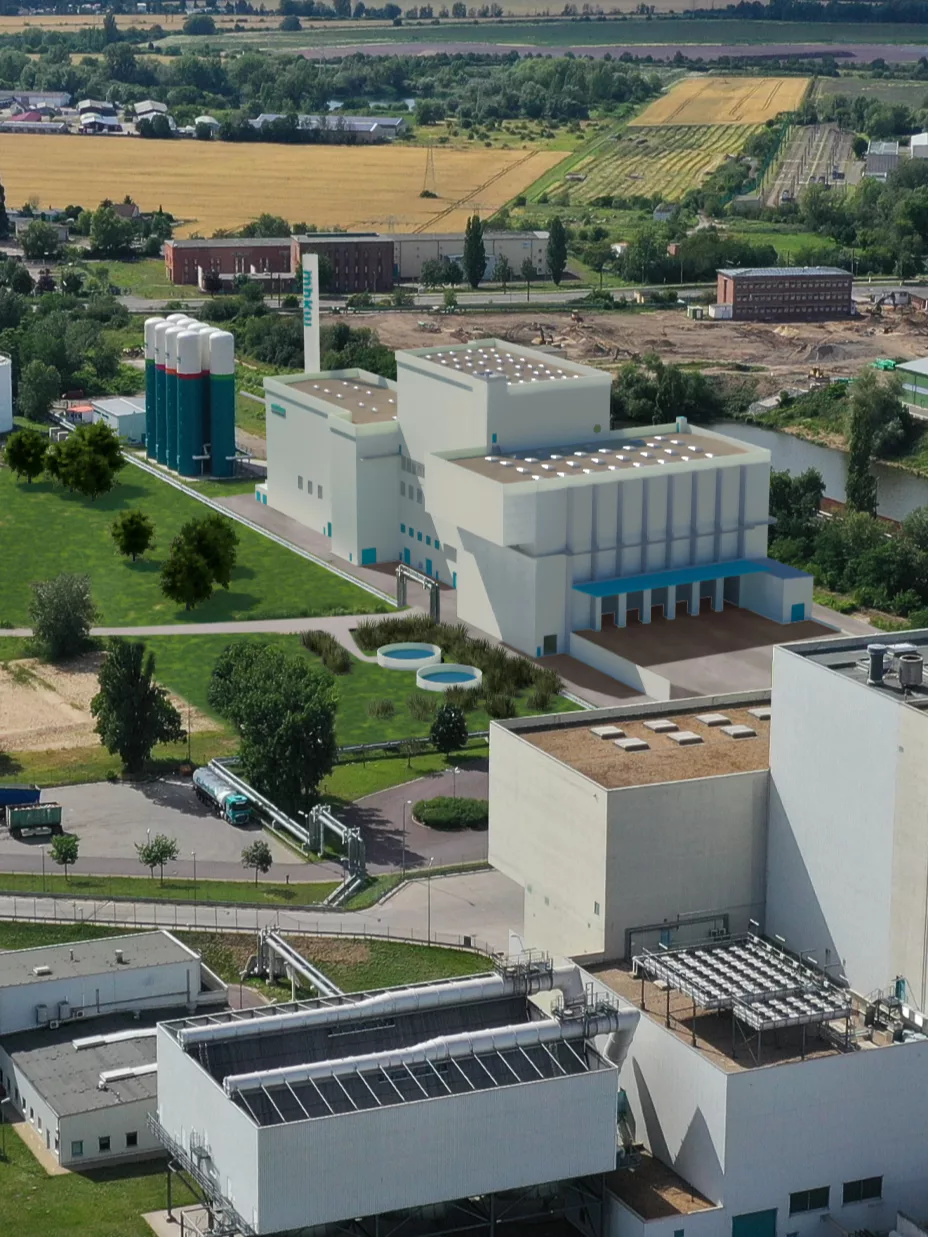
“The photo app is an extremely valuable tool for me. It is quick and easy to use, and everyone has immediate access to the photos. By uploading photos regularly, we have built up a great record of construction progress throughout the project.”
Jens Esslinger
Project Manager, EEW Energy from Waste GmbH
Less Typing with AI? Yes.
With a Responsible, Practical Approach.




FAQs
Short answers to key questions about the Poolar mobile app.
The app is the mobile extension of Poolar.Project’s construction site tools for smartphones and tablets, developed for iOS and Android. It supports work directly on site, including recording defects, site diary entries and photos, as well as accessing drawings, documents and project contacts on the go.
The Poolar app is designed as a mobile extension of Poolar.Project. This keeps work on site connected to the central project workspace, where recorded information can be viewed and edited further after synchronisation. The app can also access information created and maintained through the browser-based version of Poolar.Project.
The Defects, Site Diary and Photos modules are available on mobile devices. You can also access drawings and documents, find project participants in the project directory, and use search and filter functions to find specific content.
Yes. Relevant features can be used even with limited or no internet connectivity. This allows you to continue recording information in basements or areas with poor network coverage, for example, and synchronise it with Poolar.Project later.
The app provides access to project drawings, files and documents, among other information. Project participants and their contact details are also available in the project directory. On drawings, you can view existing annotations and mark the location of defects.